Trolley To Checkout
Next Day Collection Order Flow
Checkout flow for the next business day store collection type orders from PLP and PDP
Overview
This document explains the conditions and entire flow of a next day store "click and collect" order in ToolStation Website and the technical strategy involved.
Channel Details:
- API identifies it as
channel = 4 - User can collect the product on the next day of order placement if stock availability on the selected branch is less than the required quantity but there is stock in warehouse to be delivered to the store
- Product flags
click_and_collectandnext_business_day_collectionboth should be true
Core Logic:
- In any scenarios, if quantity of a click and collect item exceeds the available stock at the selected branch and is within the delivery stock,
Next Day Collection is enabled
enableNexDayCollection = collection_stock < quantity < delivery_stock - If next day collection is enabled, delivery stock is shown as the availability
PLP & PDP
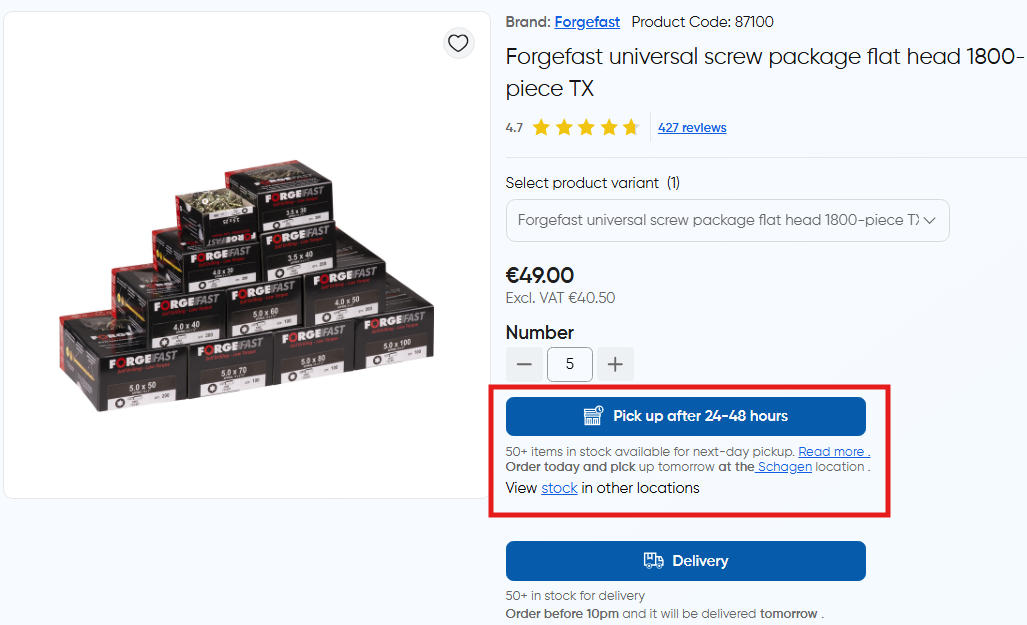
- In product details page, next day collection option has an expanded view which displays further information about the selected branch (e.g address and opening hours)
- Clicking on more information, redirects the user to the branch details page
- Here also there's an option to view stock in other branches
When user adds an item for next day pickup, the following method is called and
the product is added to trolley in next day collection channel with the selected quantity:
// ~/components/organisms/TsProductActions.vue
async function handleAddToTrolleyAction() {
  if (
    trolleyStore.previewed_product_selected_channel ===
    TrolleyChannel.NextDayCollection
  ) {
    await trolleyStore.addToTrolleyForNextDayCollection(
      trolleyStore.previewed_product.code, // product_code
      trolleyStore.previewed_product_selected_quantity // quantity
    );
  }
}

// ~/stores/trolley.store.ts
async function addToTrolleyForNextDayCollection(
  code: string,
  quantity: number
) {
  // Set default params for collection
  await dispatchItemToTrolley(
    code,
    quantity,
    TrolleyChannel.NextDayCollection, // 4
    DeliveryMethodCodes.NextDayCollection
  );
}
Refer this doc for trolley dispatch core
Trolley
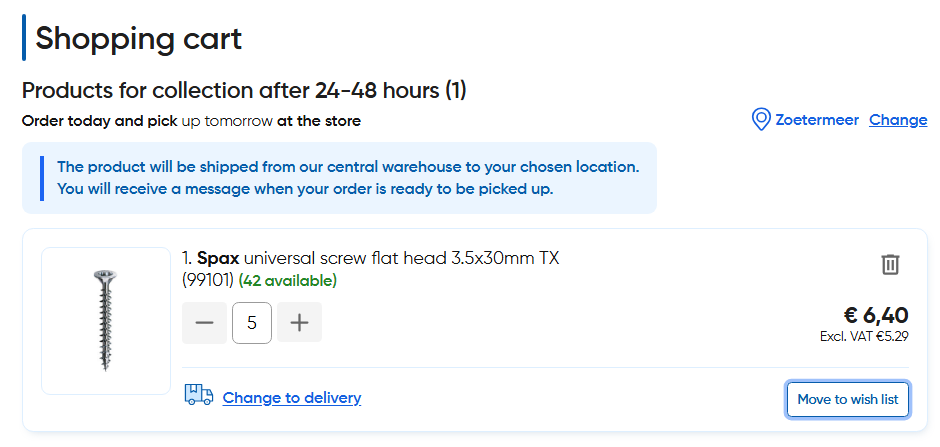
- Scenarios where a collection item is moved to next day collection are described here
- For next day collection items, the branch name is displayed next to the item with an option to change it
- Changing the branch triggers a global refetch of the
trolley resourceandstock detailswhich can move the item tocollectionchannel if the quantity is within the collection stock at the new branch - Next day collection items can also be switched for delivery via the "Change to delivery" option
Checkout
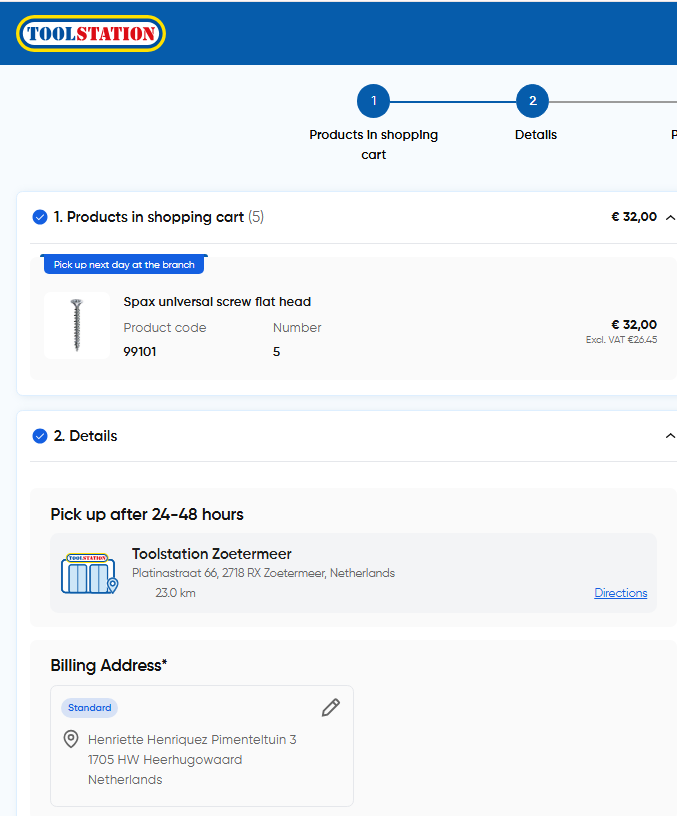
- Items are grouped with a Next Day Collection tag
- Branch address is displayed to the user on the checkout page. The details are stored in
checkoutStore.collection_addressto be sent in the next step asnext_day_collection_address_id - Place order request is sent to the POST
/orderAPI withnext_day_collection_address_idandbilling_address_idalong with other parameters as described here
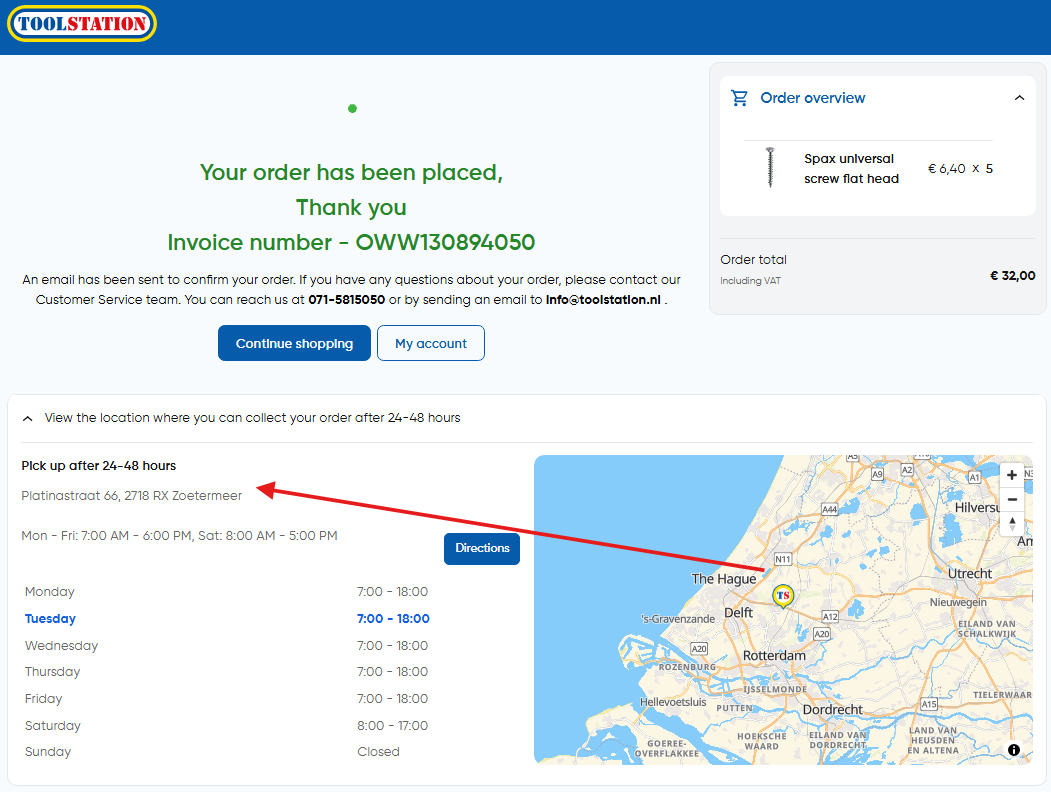
Order Confirmation
- View and strategy are similar to click and collect orders