

Builder
Events
Description
The Events.vue Page renders the main events listing page for Toolstation. It supports viewing upcoming and past events, with filtering by mode, month, and search query. It fetches data from a central store (builderStore) and supports pagination and dynamic content loading states.
Purpose
The primary purpose of events is to display and manage a dynamic list of events on the Toolstation website, allowing users to:
Key Functional Goals:
- Browse Events
- Show all events with pagination.
- Split by upcoming and past via tab interface.
- Filter Events
- Filter by:
- Mode: All / Online / Offline
- Month
- Search Query (Title)
- Filter by:
- Provide Visual Feedback
- Loading state with skeleton loaders.
- No-results fallback UI.
- Pagination for user-friendly browsing.
- Maintain Route State
- URL reflects selected filters for bookmarking/sharing.
- Supports back/forward navigation with preserved filter state.
- Enhance User Experience
- Lazy-load components for performance.
- Debounced search input to reduce network requests.
- Localization support via useTranslation.
Flow Summary (Step-by-Step)
On page load:
- Reads query parameters from the URL.

- Initializes filters: search, mode, event type (upcoming/past).

- Fetches events from the store (builderStore) based on these filters.
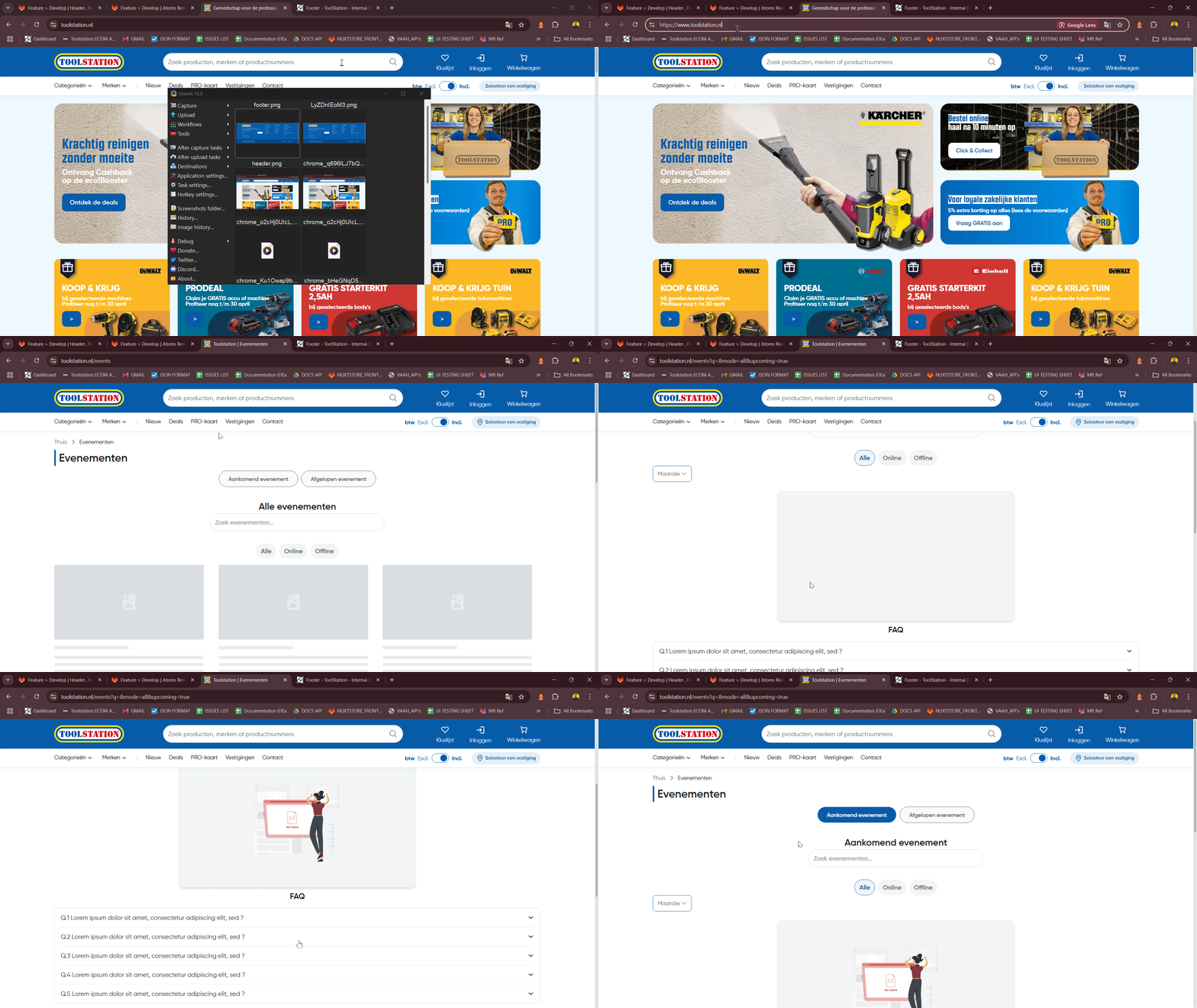
While fetching:
- Shows loading skeletons (TsEventCardTransition).
After fetch:
- If events exist → displays them using TsEventCard.

- If no events → shows fallback "No Data" image.
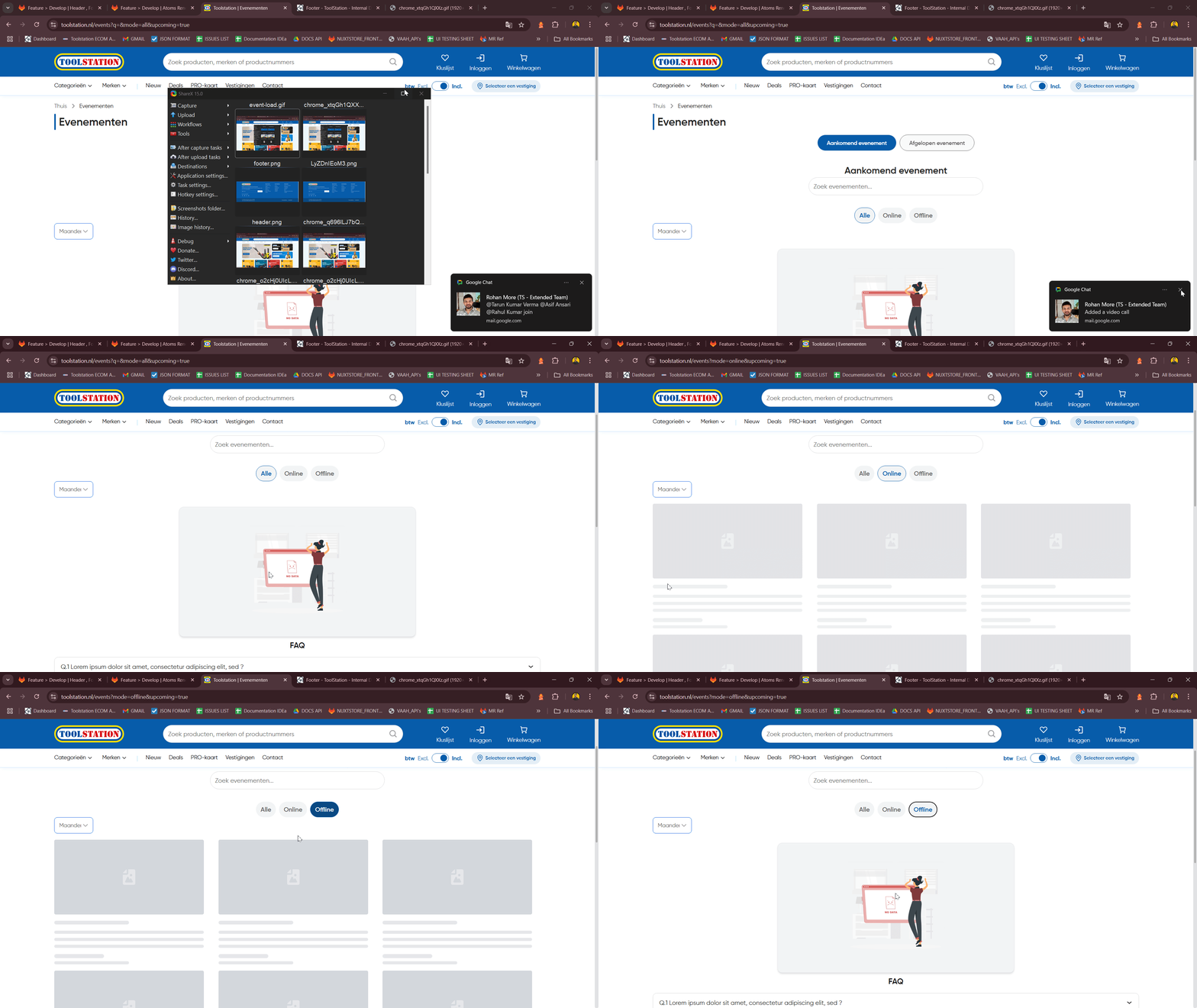
When user:
- Types in the search → triggers debounced search + fetch.

- Selects a different **event type tab** → updates query & fetches.

- Selects a **filter mode** or **month** → updates query & fetches.

- Paginates → updates displayed slice from results (no new fetch).
Watchers: - React to changes in searchQuery, currentPage, selectedMode, selectedEventType, and selectedMonth.