

Data Model
Brands List
Brands List
Overview
Brands list is a data model which is used to manage the brands listing page & the header dropdown.
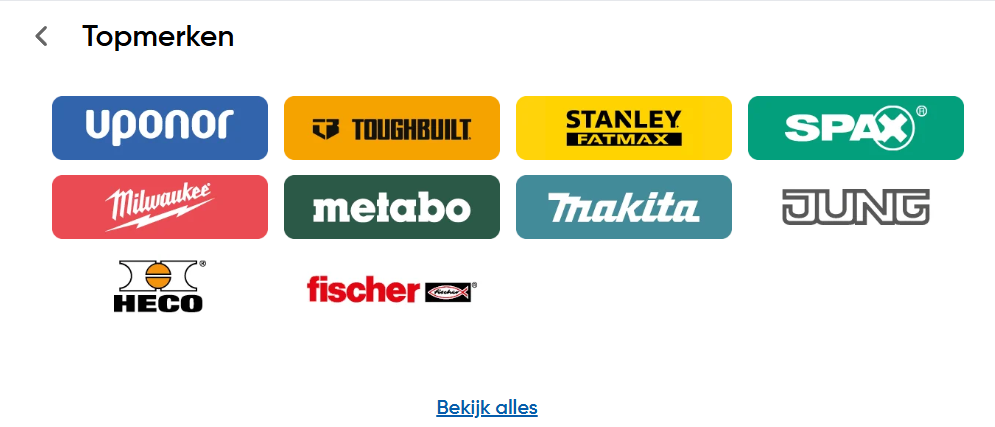
Opening the entry on builder
To create the entry on builder, select the data model on the left side bar & search for the Brands List model.
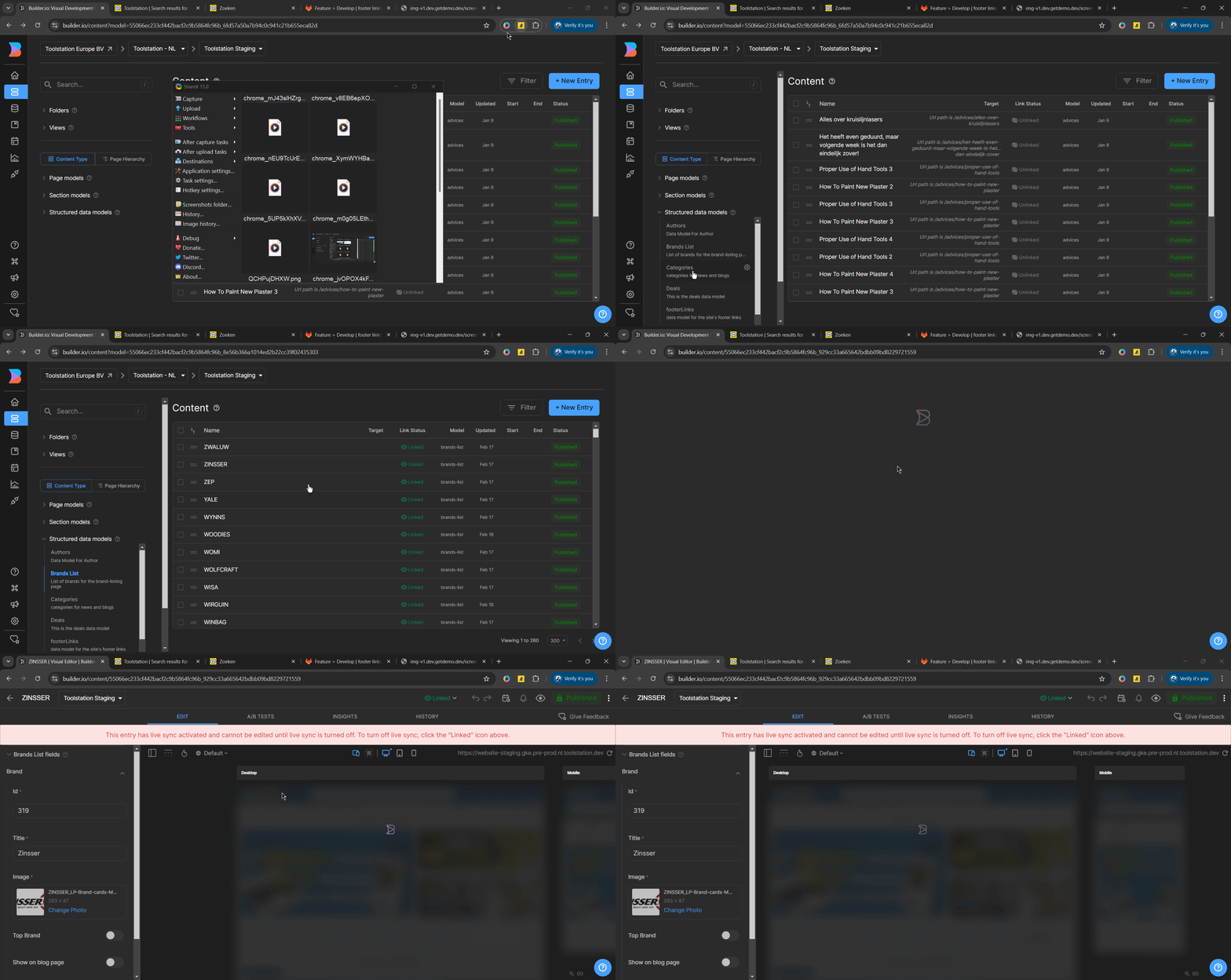
Add or Edit the entry on builder
- To add a new entry, click on the
+ New Entrybutton or select the existing entry on the list. - Set the props like the id, title, image, topBrand, and the showOnBlogPage.
- Click on the Save button.
Note: enabling the topBrand toggle will display the brand on the top header section as a dropdown.
Props
| Props | Description | Type |
|---|---|---|
| id | Id of the brand | string |
| title | Title of the brand | string |
| image | Image of the brand | string |
| topBrand | Toggle to show the brand on the top of the page | boolean |
| showOnBlogPage | Toggle to show the brand on the blog page | boolean |