

GTM Testing
How to test the GTM Events ?
For testing the GTM events, we need to install the extension in the browser Or we can test it on tag assistant website.
Extension : Chrome Web Store.
Testing on Tag Assistant
When you visit the website it wil ask you to add domain which you want to test you can also test your current project which are you working on. When you add the domain and submit it you have to make sure that you have the access to the container of the website. Then it will open an debugging window on a new tab of your site and you can see the events which are being tracked. You can also see the data which is being sent to the google analytics.
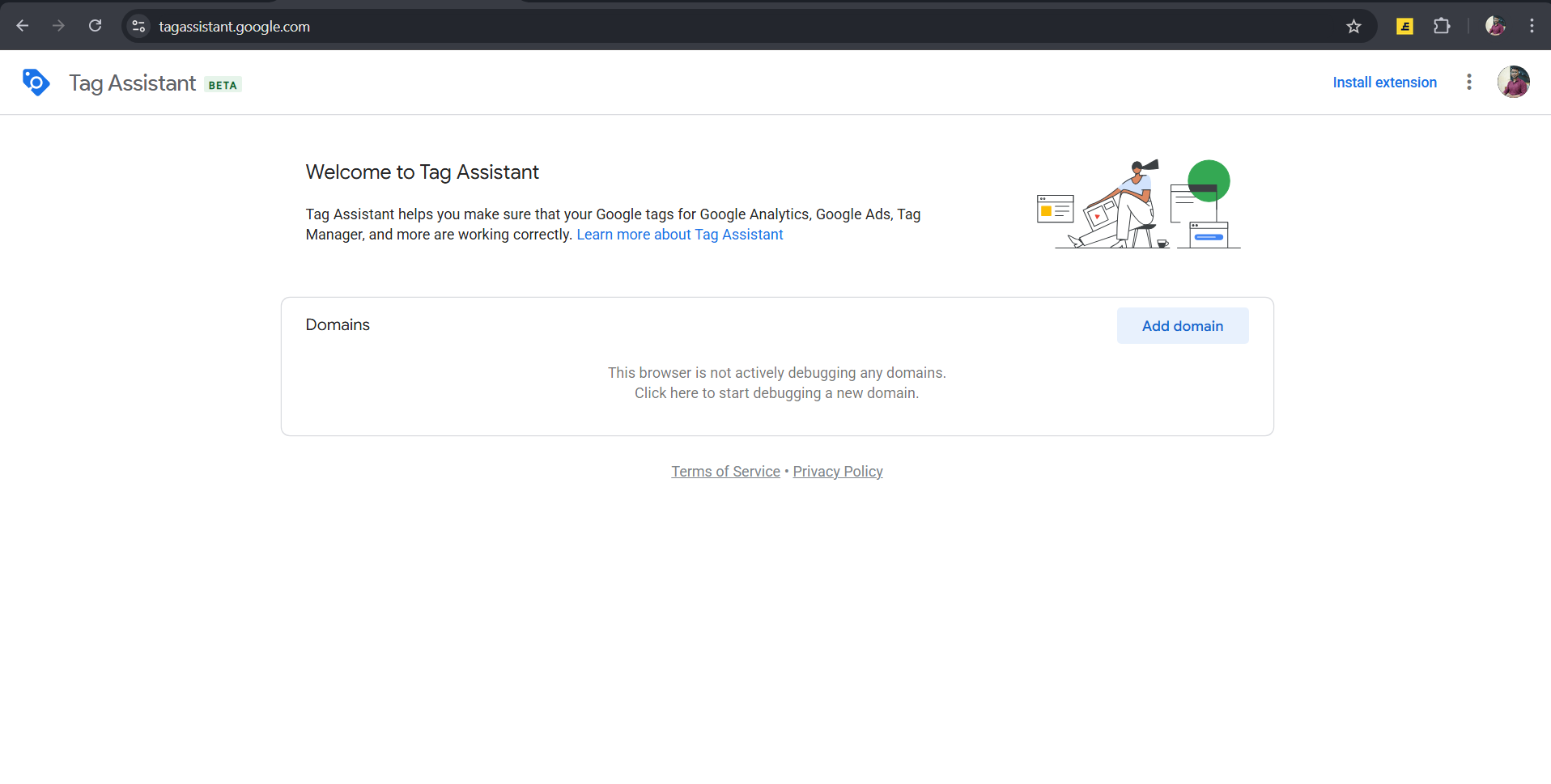
Note: you can install the extension from the top of the top right corner of the tag assistant landing page.
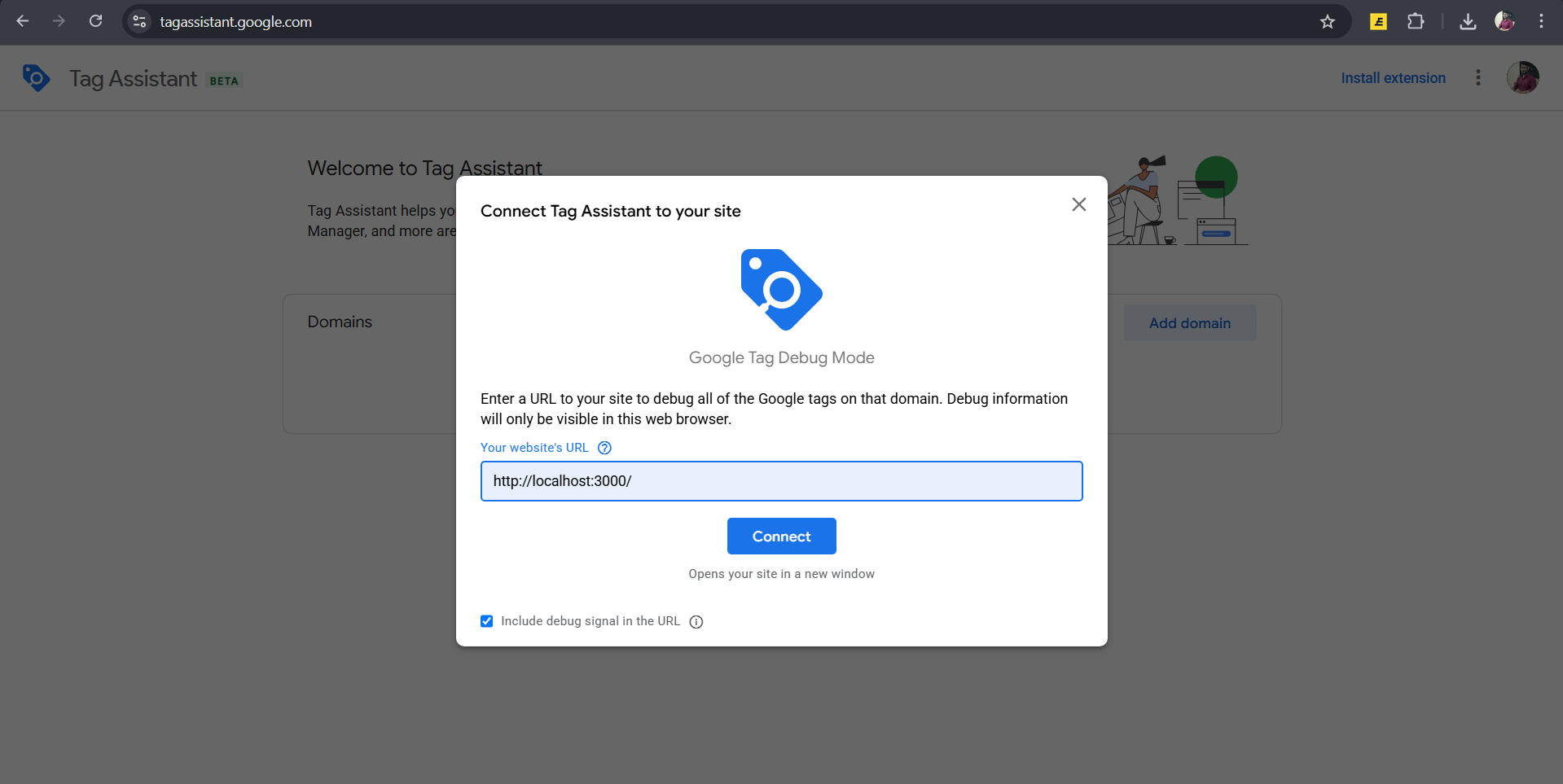
you can give your domain name and submit it.
Testing fired events
Now you can see the events which are being tracked in the container of the website.
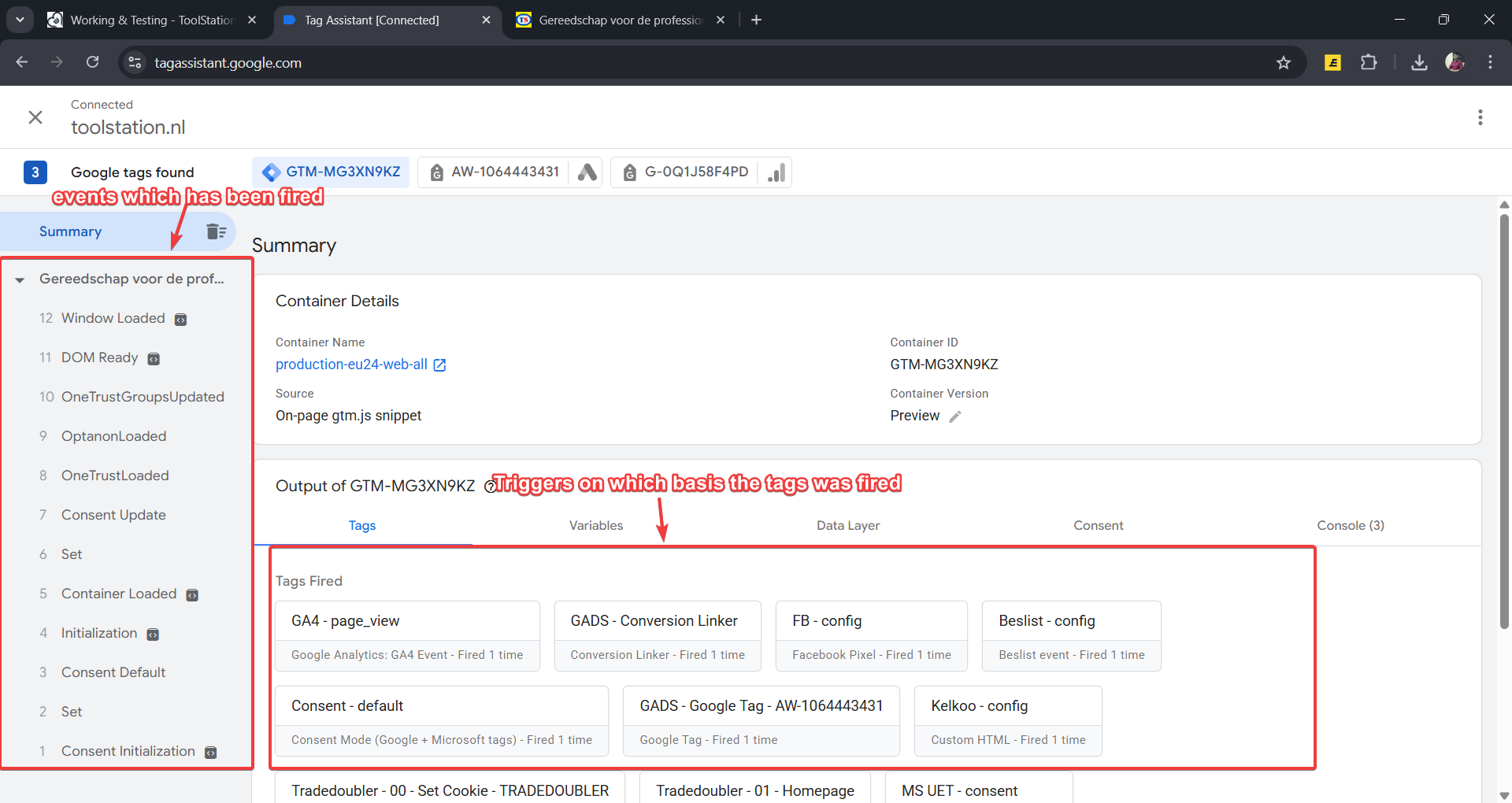
You can see the datalayer values which are being sent to the google analytics.
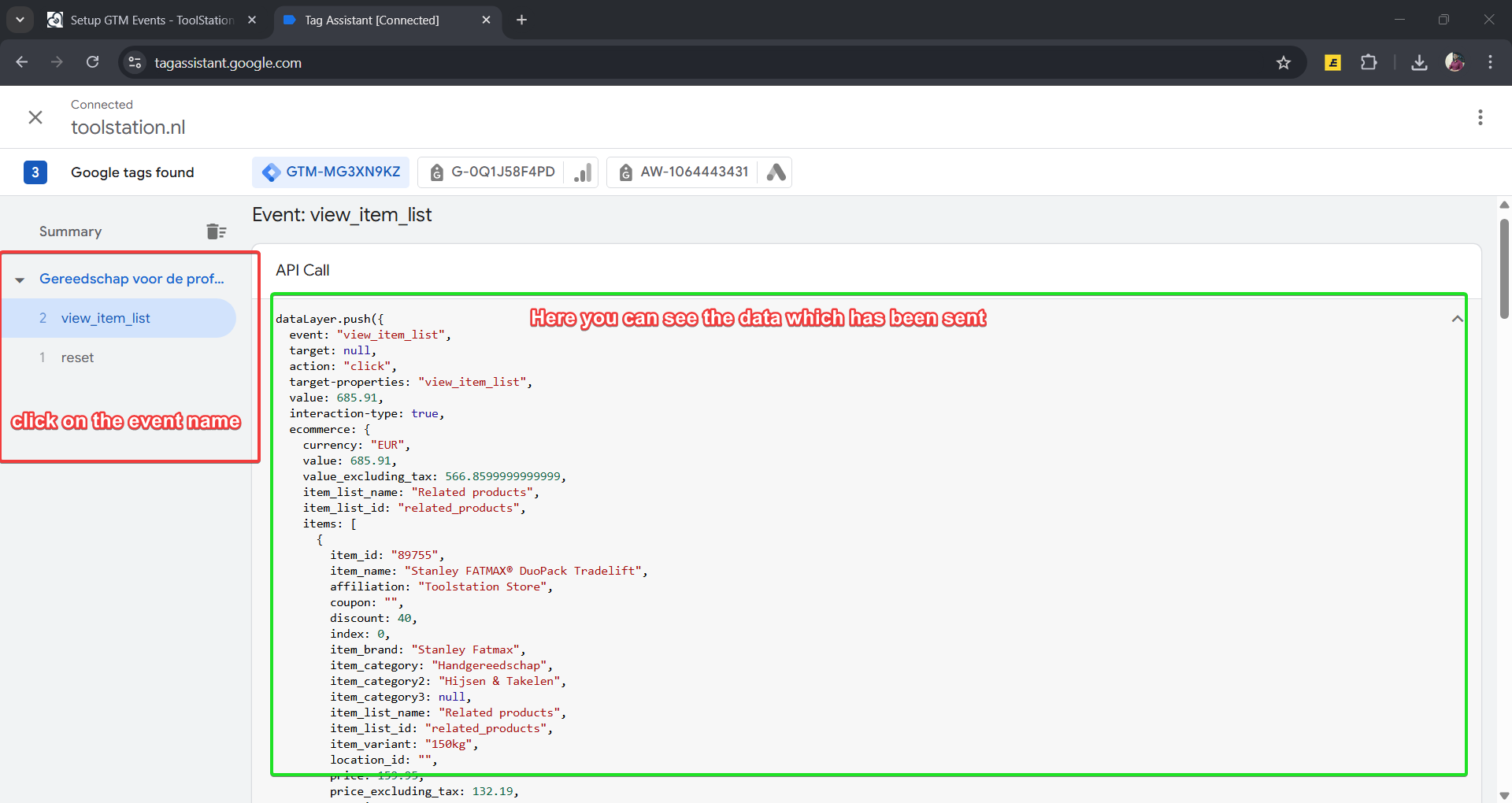
This datalayer values are sent from your code you can also send the custom events and custom values on a specific event which you want to track example.
References
Video
Official Documentation - Learn more