

Section Models
My Account Banner
My Account banner section model is used to display the banner on the My Account page.
My Account Banner
My Account banner section model is used to display the banner on the My Account page.
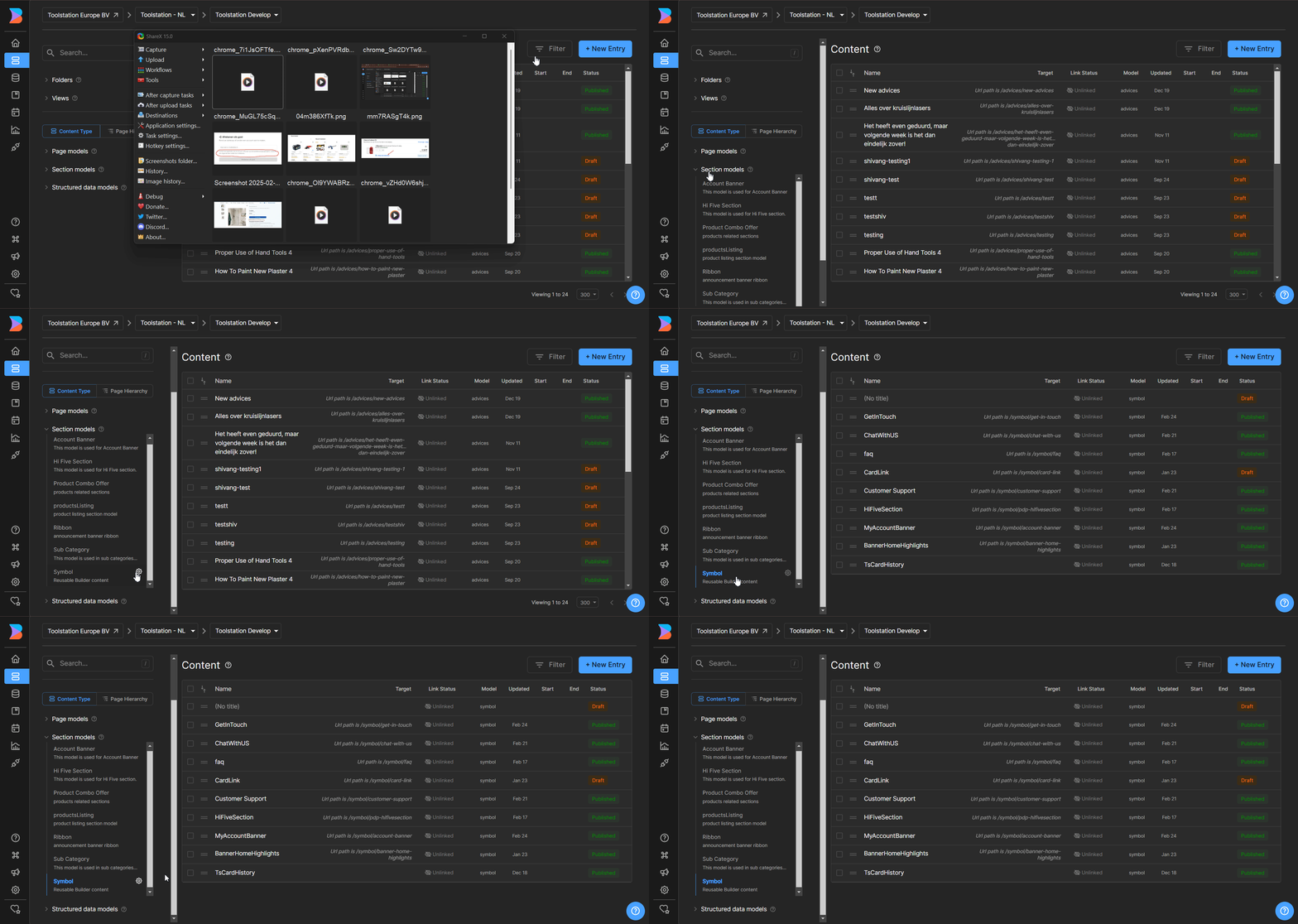
Opening the entry on builder
To open the entry on builder, select the section model on the left side bar & select the myAccountBanner section model.
Banner on My Account
To edit the my account banner after opening the entry,
- We are using the Banner with three segments to display the custom banner.
- Edit the banner as per the requirement.
- Click Save.
Adding entirely new entry
To add a new entry,
- Click + New Entry button.
- Enter the entry title.
- Set the targeting url
/symbol/account-bannerfor the entry. - Add the banner as per the requirement.
- Click Save.
Note: the targeting url should be /symbol/account-banner to display the banner on the My Account page.