

Build And Release
Update the provisioning profiles
How to update the provisioning profiles
We use fastlane match to manage our certificates and provisioning profiles. This allows us to easily update and store them securely in a separate repo. You must have write access to the repo to be able to update the certificates. But read access is enough to get any developer set up with the right certificates.
- Make sure you have write access to the
mobile_app_matchrepo - Make sure you have all the required tools installed on your machine. See the readme file on the
mobile_app_matchrepo - Make sure you have access to the
.envfile that should be located in theios/fastlanefolder- This file contains sensitive information and should only be given to a very limited number of people
- For
fastlane matchto work the.envfile must include the following entries:APPLE_ISSUER_ID- this can be found on App Store ConnectAPPLE_KEY_CONTENT- this is the private key of the API key that can be generated on the App Store ConnectAPPLE_KEY_ID- ID of the key generated on the App Store ConnectFASTLANE_APPLE_ID- Apple ID email address with at leastApp Managerpermissions on the Apple Developer accountFASTLANE_APPLE_APPLICATION_SPECIFIC_PASSWORD- Application Specific password for the Apple ID, this can be generated by logging into Apple ID account- Log in to Apple ID account and click on the
App-specific passwordssection. 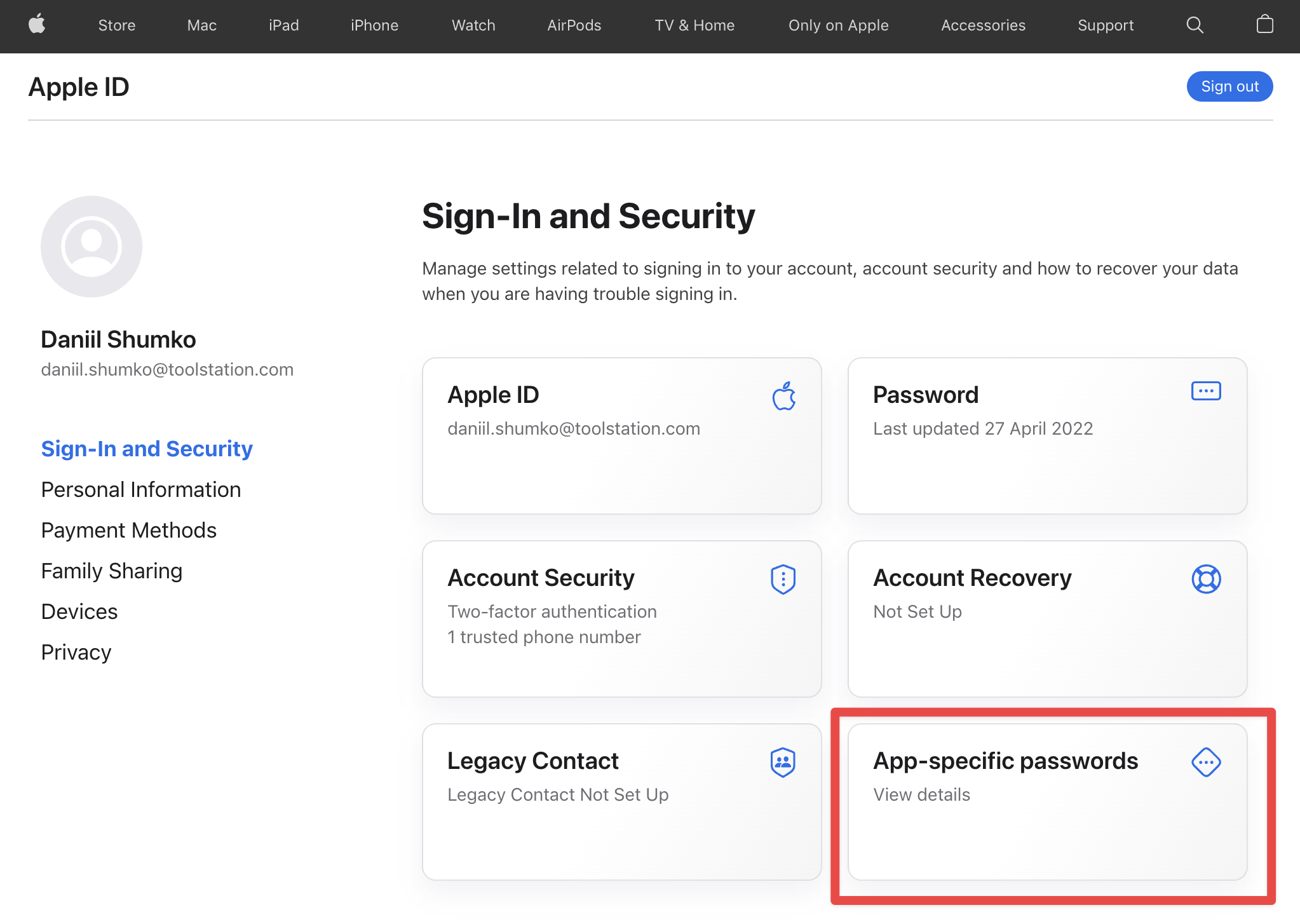
- Click on the little
+button to generate a new password 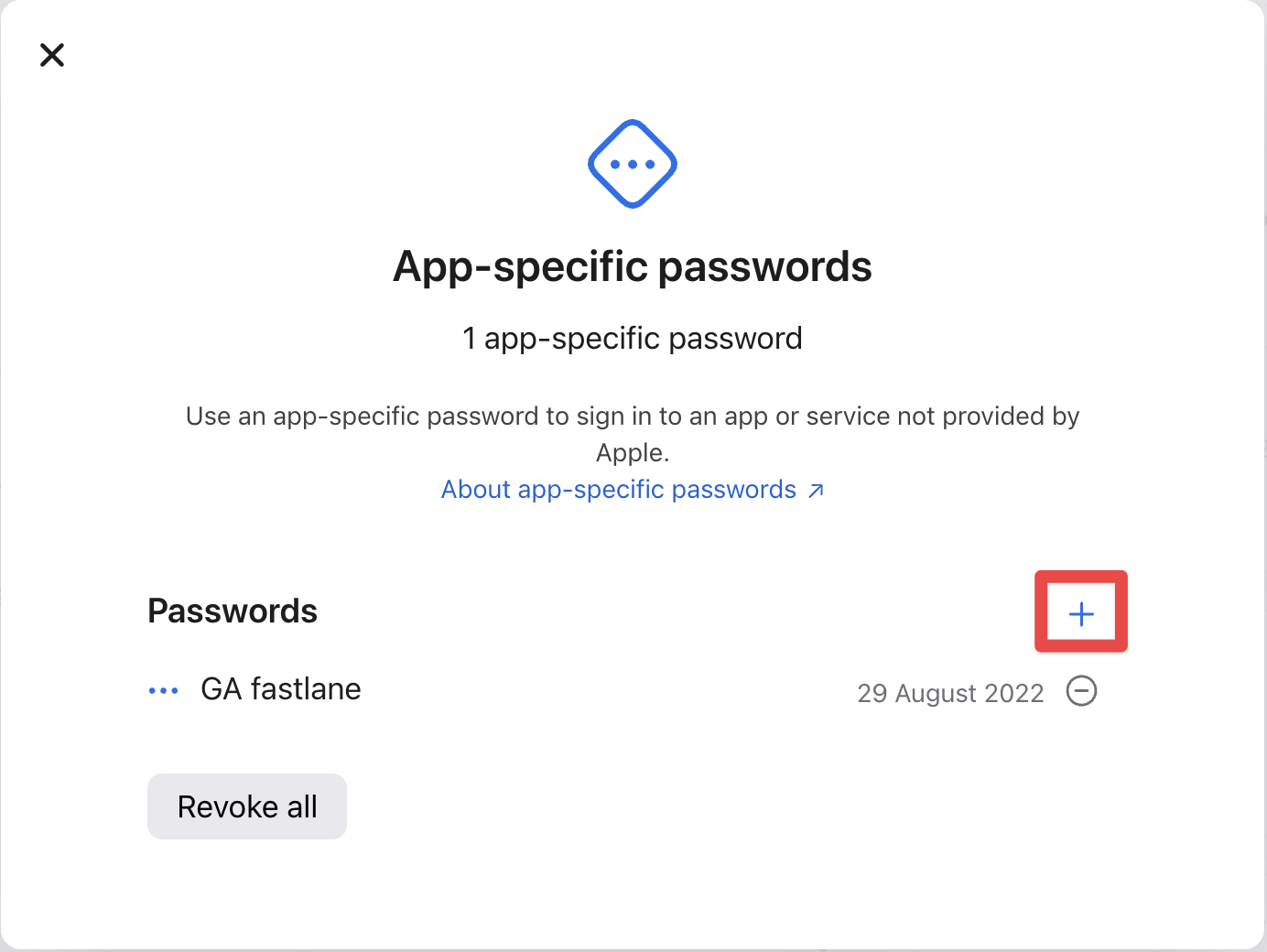
- Enter any name you want for this password and click
Create 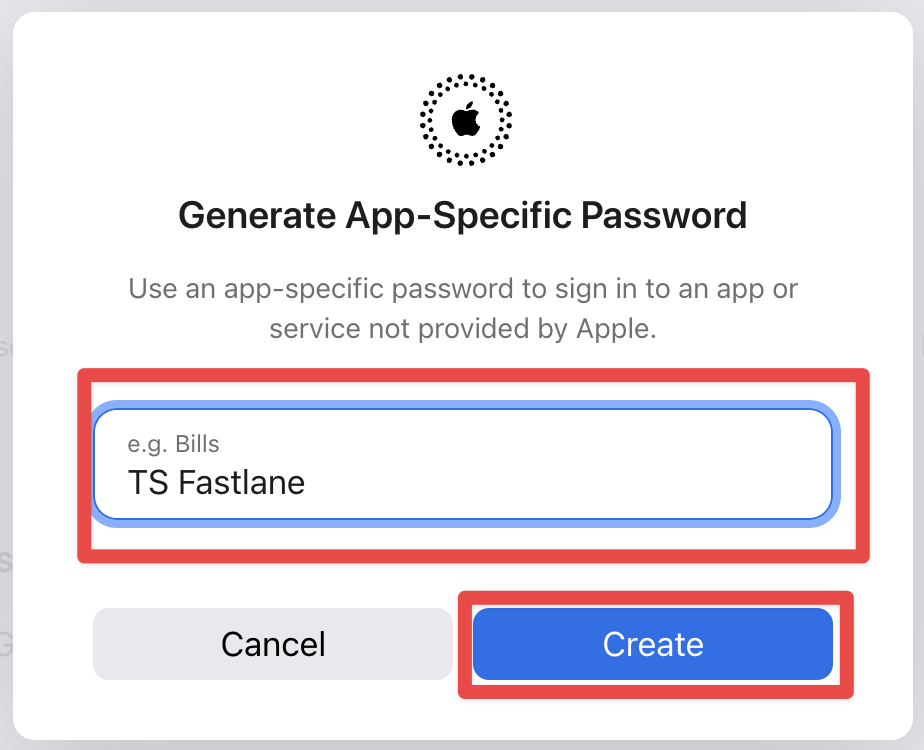
- Verify your accounts password and click
Continue 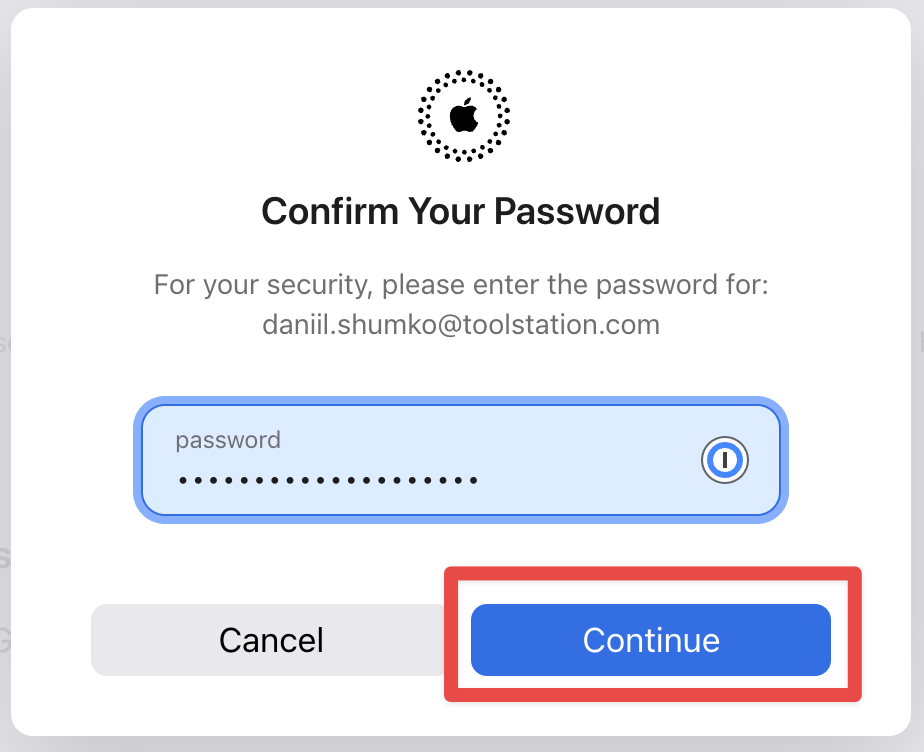
- Copy the app-specific password that is displayed and store it somewhere safe. This password will only be visible once and you won't be able to review it again.
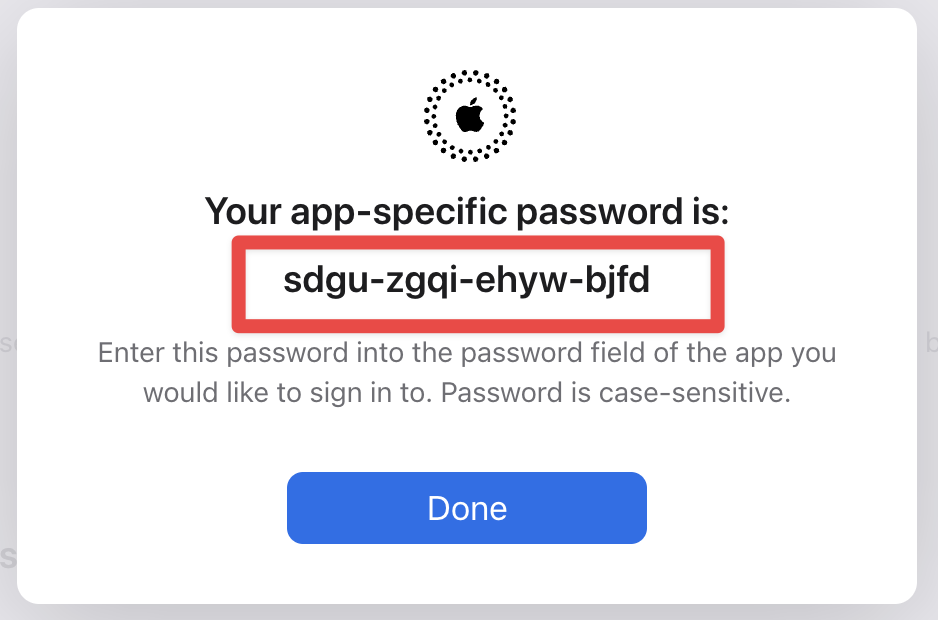
- Log in to Apple ID account and click on the
MATCH_PASSWORD- This is the password with which the certificates and provisioning profiles are encrypted. This is a secret password and must be kept safe. If it is lost or compromised then all the certificates and provisioning profiles will need to be regenerated.GIT_AUTHORIZATION- a basic authorization header to access the git repo (e.g.: access via HTTPS, GitHub Actions, etc), usually a string in Base64. For exampledaniilshumko-ts:ghp_wxIsV9thi22pc9rNj3NeypzC41ASDFWEFASDsdf=git_user_id:personal_access_token. This can be generated by logging into GitHub and navigating to the Personal access token page.
- When the
.envfile is ready please proceed to the next step.
- In the
ios/folder run the following commandfastlane match adhoc --force
This will generate new provisioning profiles and will include all the newly added test devices. From now on every time we build the app in ad-hoc mode for App Distribution or local use it will use the latest provisioning profiles stored in themobile_app_matchrepo.