

Build And Release
Add Testing Device
Steps
- Get the device ID from the tester's device
- this can be read manually using Xcode
- an email sent by Firebase when a new testing device is connected includes the device ID we need
- Log into Apple Developer account. Make sure you have a minimum of App Manager permissions to be able to add new device IDs.
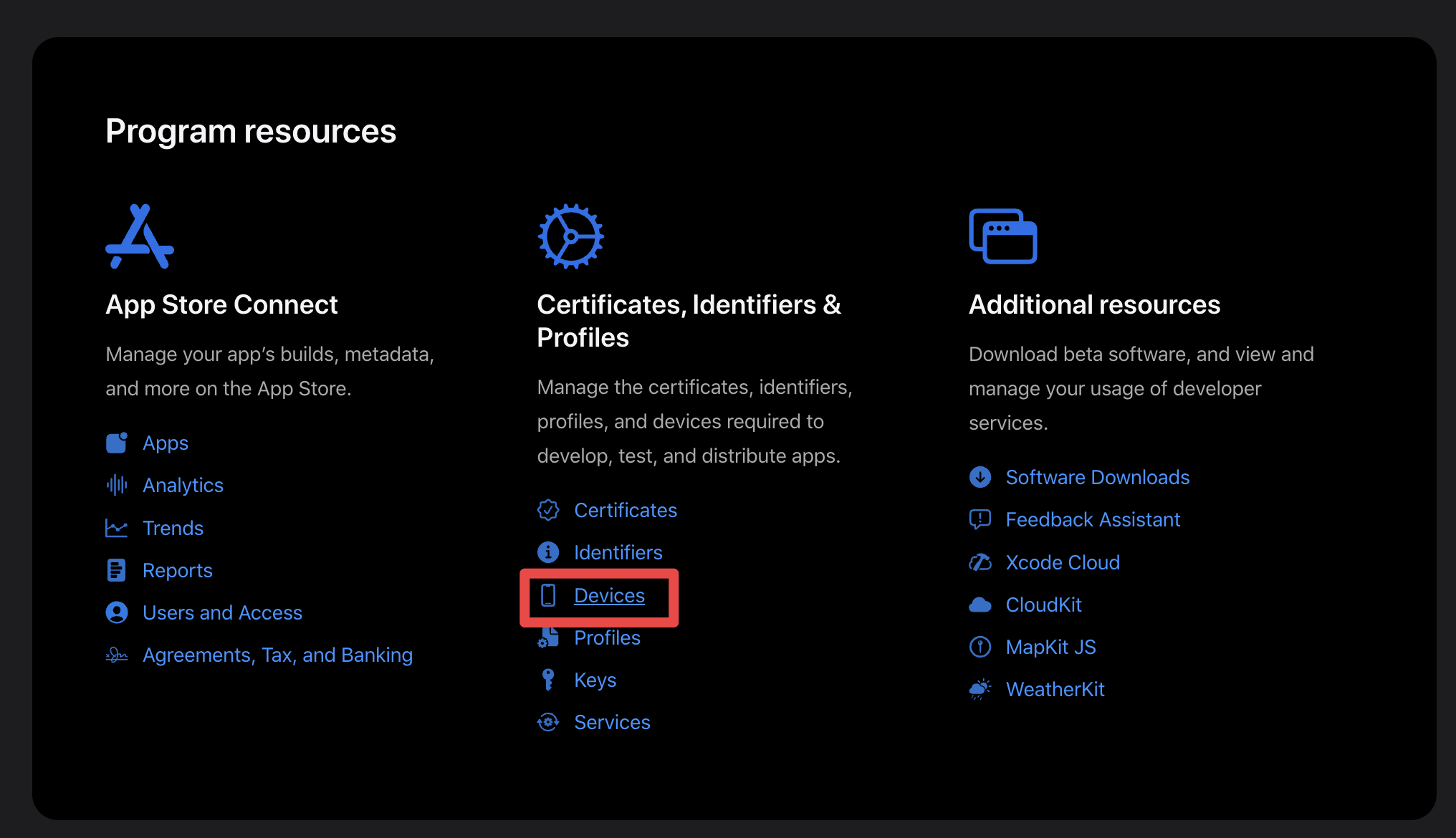
- Go to the
Devicessection
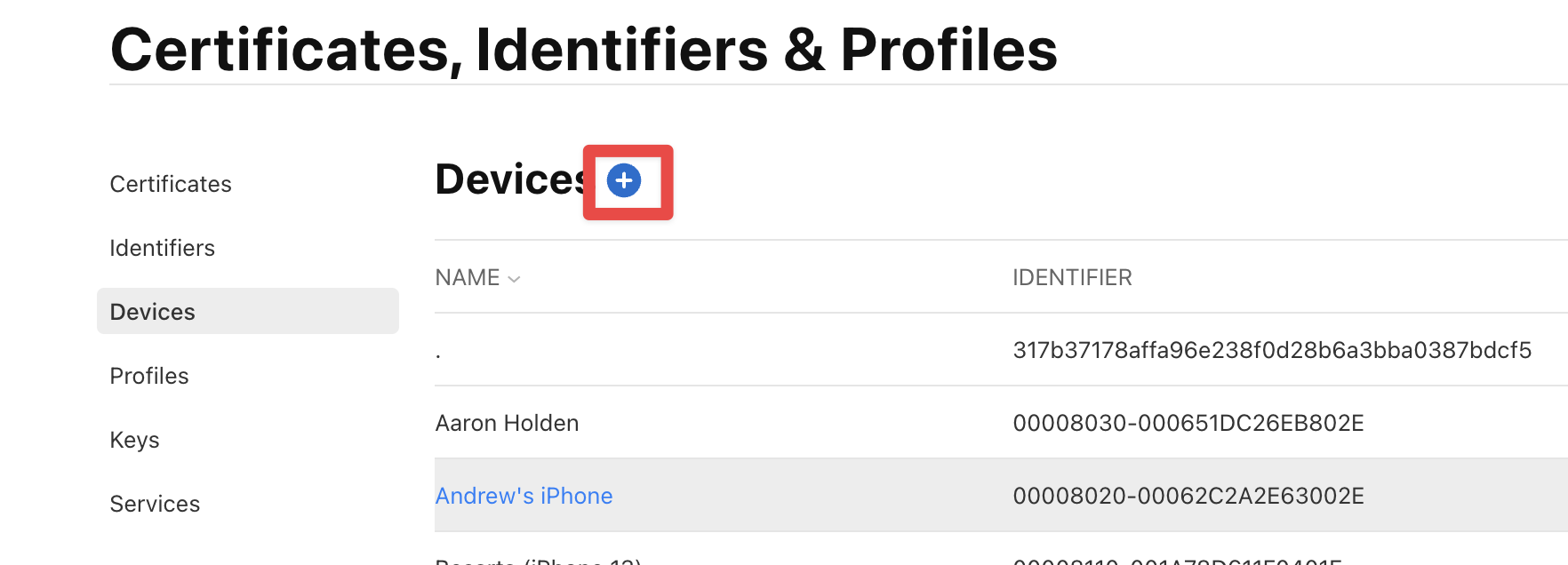
- Click on the
+button to add a new device
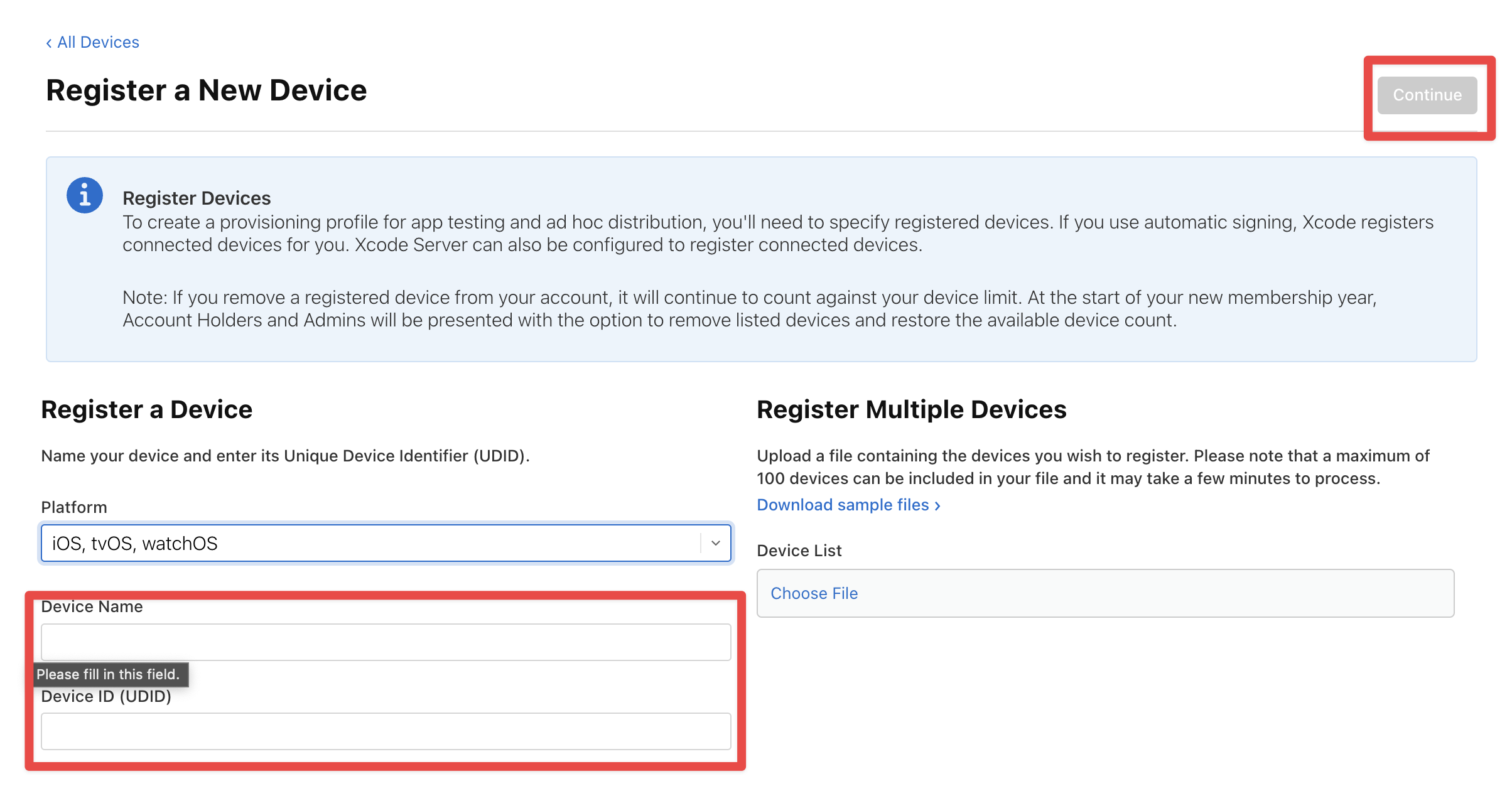
- Fill in the details and click on the continue button
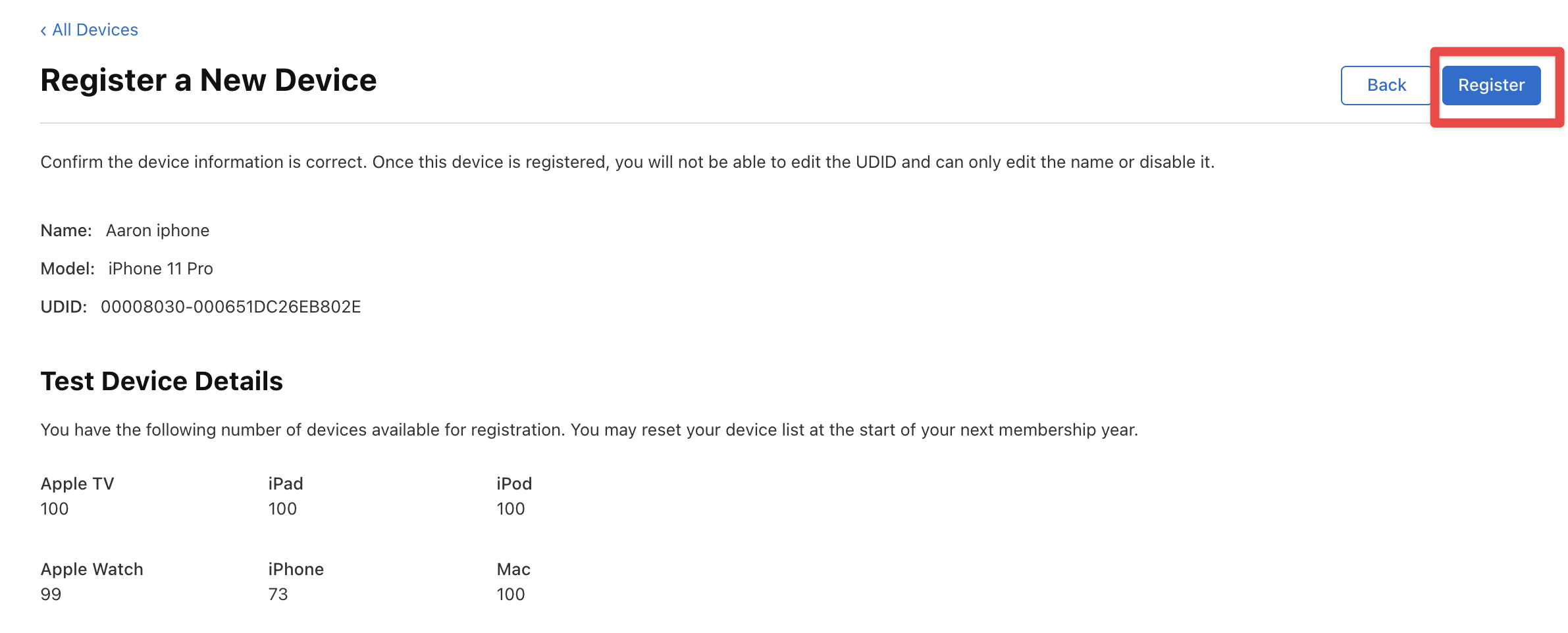
- Verify the details and click the
Registerbutton.
- Click
Donewhen registration is complete
Now follow the steps on how to update the provisioning profiles.