

Setup
Setup DB In Local
Mysql Workbench
- Install Mysql Workbench
- Find the required DB details in the .env file. (Make sure you have DB details and access)
- Pin Mysql Workbench in your taskbar
- Points to remember
- Before you connect to DB connect your VPN
- How to use Mysql Workbench & Run Query

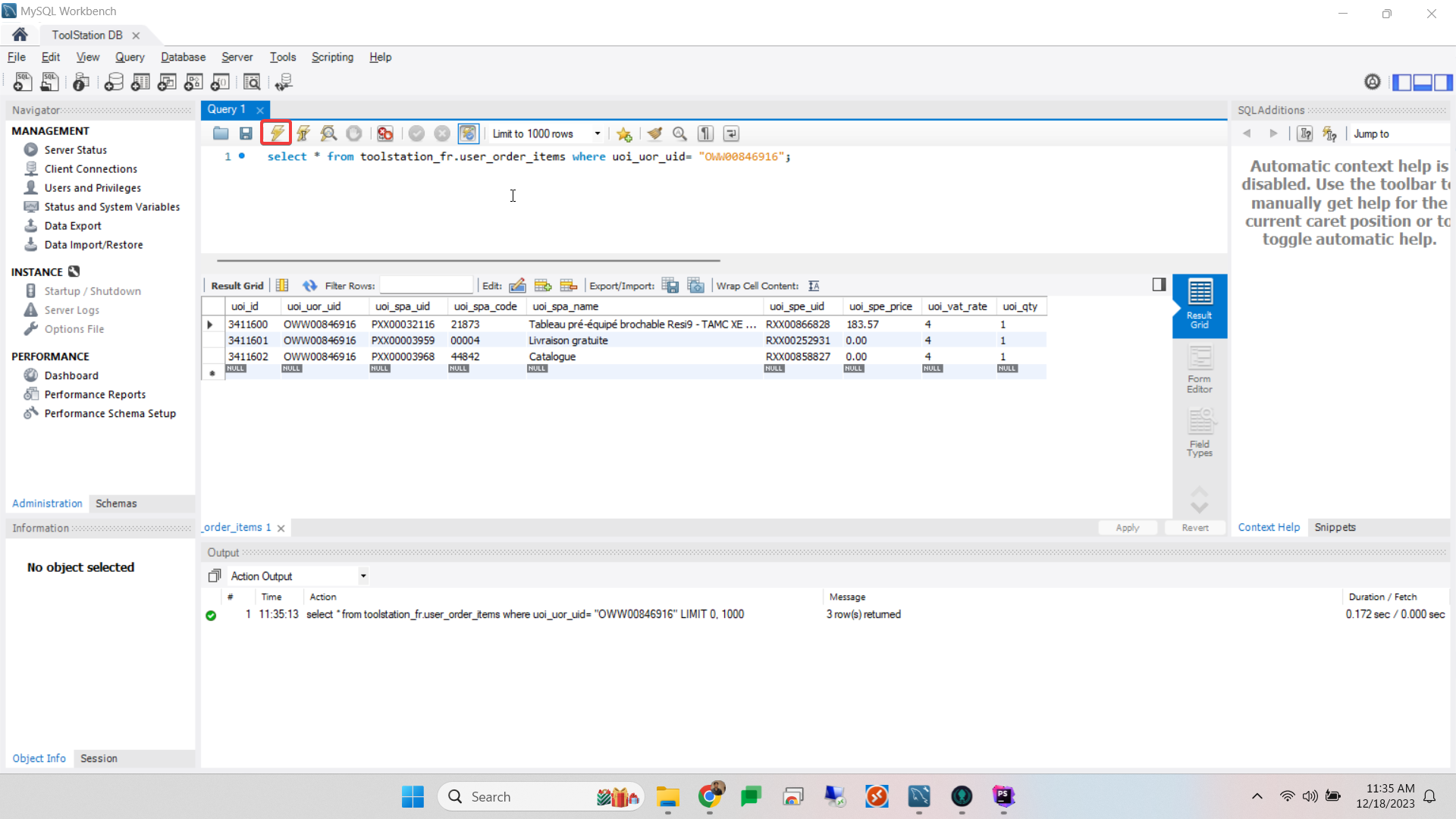
Some useful query
- To see all the tables
SHOW TABLES
- To Check Attributes
USE toolstation_fr;

SELECT * FROM sys_status;
- To check stock location
USE toolstation_fr;

SELECT * FROM stock_location_desc;
- To check user orders
There are three types of order (Orders from web, Orders from App & Orders from shops)
USE toolstation_fr;

SELECT * FROM user_orders;
- To check users accounts
USE toolstation_fr;

SELECT * FROM sys_users;