

Setup
Application Setup
Summary
Individual Application for each region(NL, FR, BE) can be setup separately in case unable to set up Eu-Legacy.
System requirements
Checks that the necessary prerequisites are met:
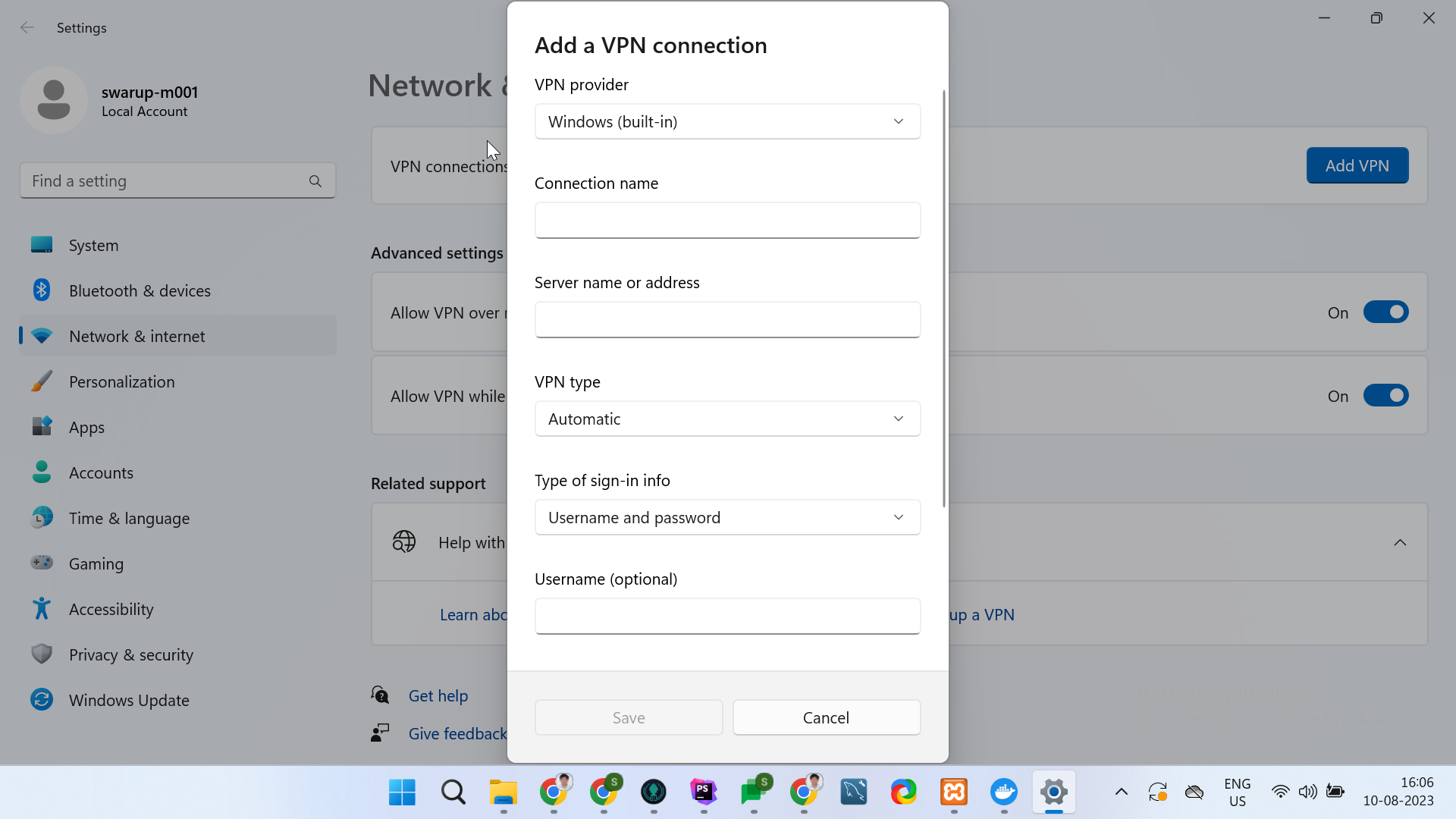
- Global Protect is installed (Make sure you have VPN details and access from client side). You need to add VPN
from VPN settings by filling up details provided by client in panel (see below in image) .
- GitHub SSH key is enabled.
- Docker is installed.
Steps to set up applications (for each application)
- Clone repositories.
- For Nl region clone from repository - https://github.com/Toolstation/Extranet_LIVE_NL
- For FR region clone from repository - https://github.com/Toolstation/Extranet_LIVE_FR
- For BE region clone from repository - https://github.com/Toolstation/Extranet_LIVE_BE
- Through terminal go to the root directory of the cloned repository e.g. /Extranet_LIVE_NL
and run command
composer installorcomposer install --ignore-platform-reqs - Replace the required DB details in the .env file. (Make sure you have DB details and access)
- Now in the terminal run command
docker-compose up - Now open docker and you should see the container created for application.
- Click on the start button from actions column to start the application.
- Open the URL(running in port column) in the browser, and you should the login page for Extranet.
Warning
Above steps needs to be verified on new system.
Useful Links
Install Global Protecthttps://apps.microsoft.com/store/detail/globalprotect/9NBLGGH6BZL3?hl=en-in&gl=in&rtc=1
Set up GitHub SSH keyhttps://docs.github.com/en/authentication/connecting-to-github-with-ssh/adding-a-new-ssh-key-to-your-github-account?platform=mac
Get Dockerhttps://docs.docker.com/get-docker/